STEP 1 Go to https://turbovpn.com/pricing
STEP 2 Choose your preferred plan
STEP 3 Select payment method “PayPal"
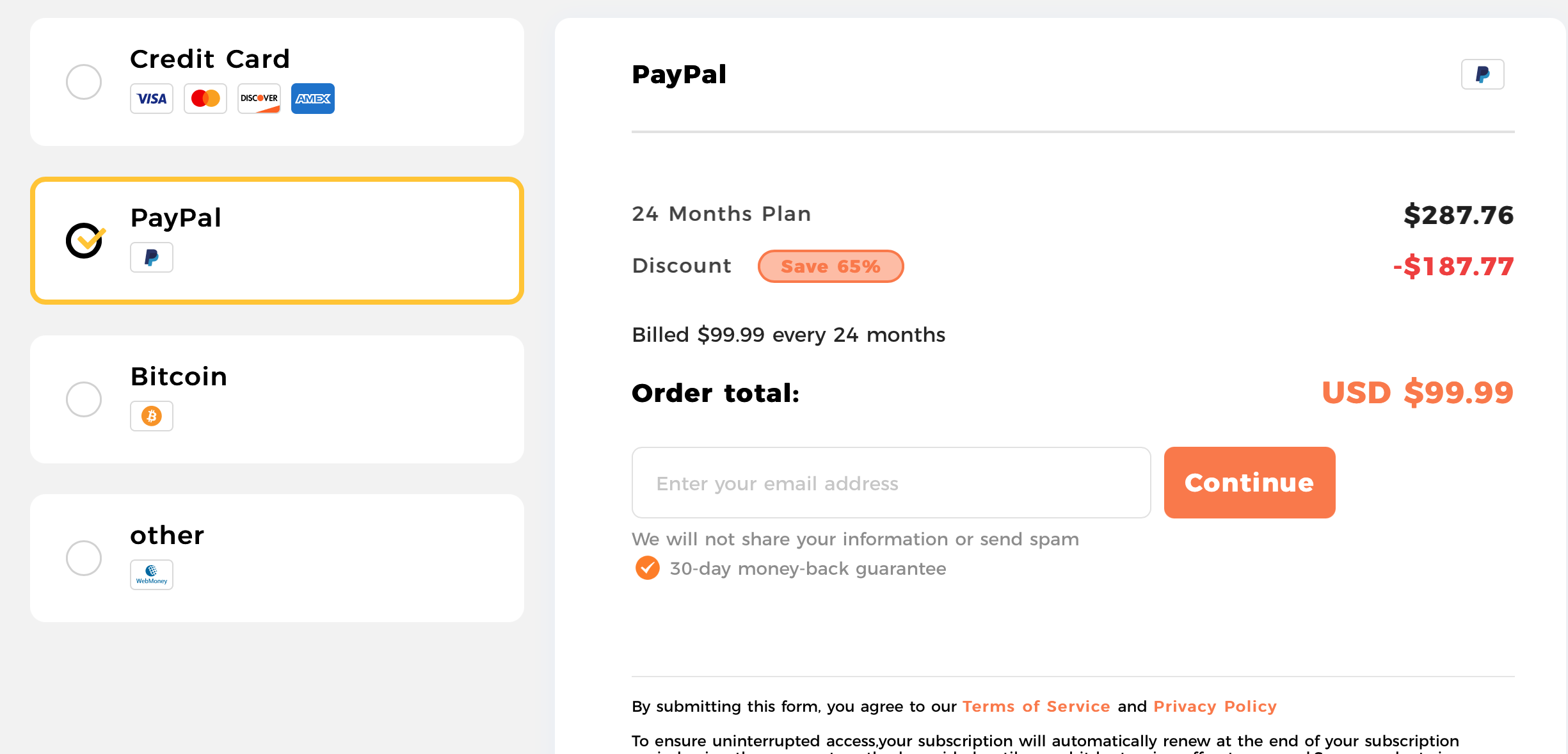
STEP 4 Enter your Email address and click “Continue”
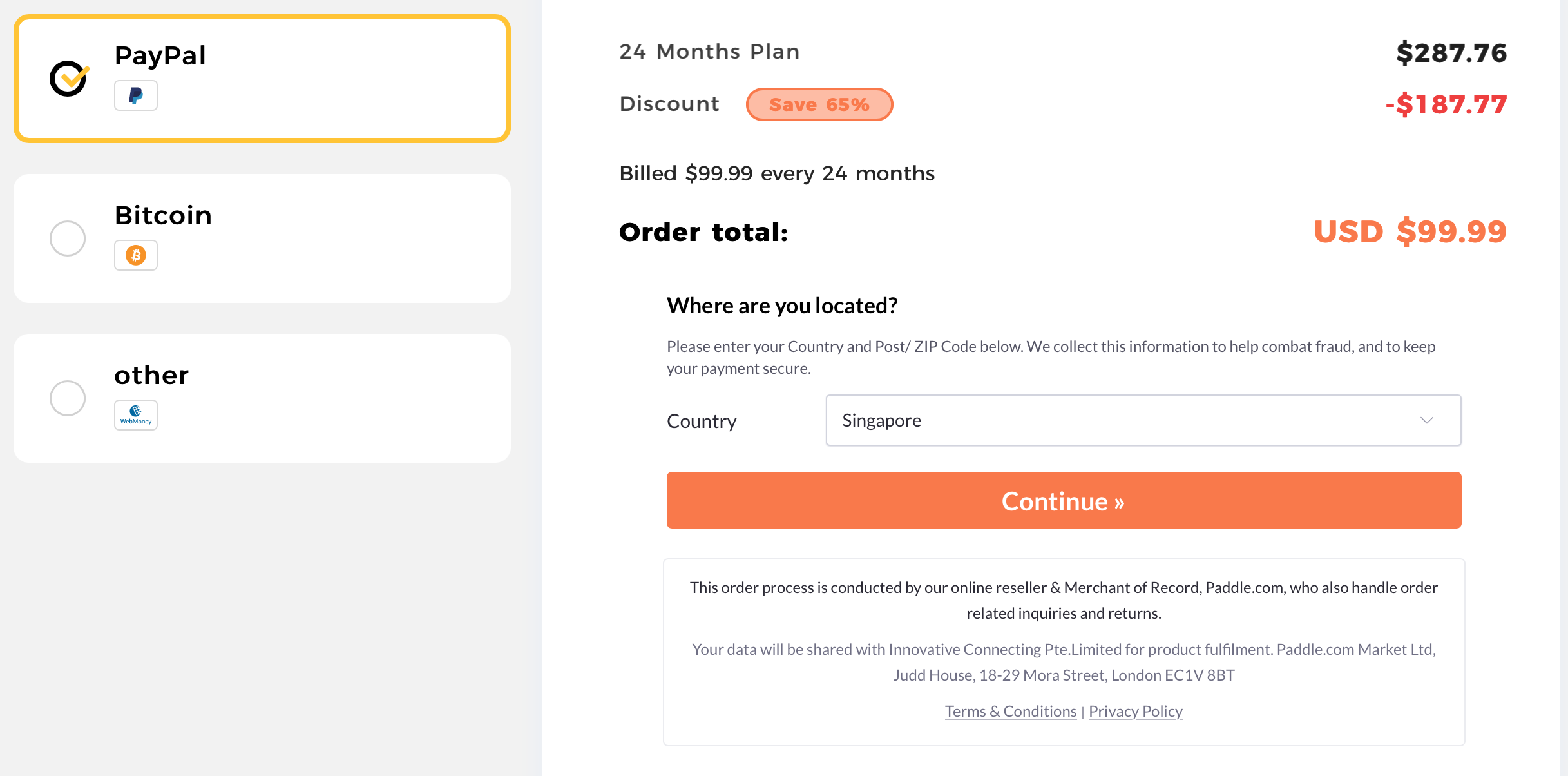
STEP 5 Select your country of residence (please enter Zip/Post Code if it is US) and click “Continue”
STEP 6 Click “Add Coupon”
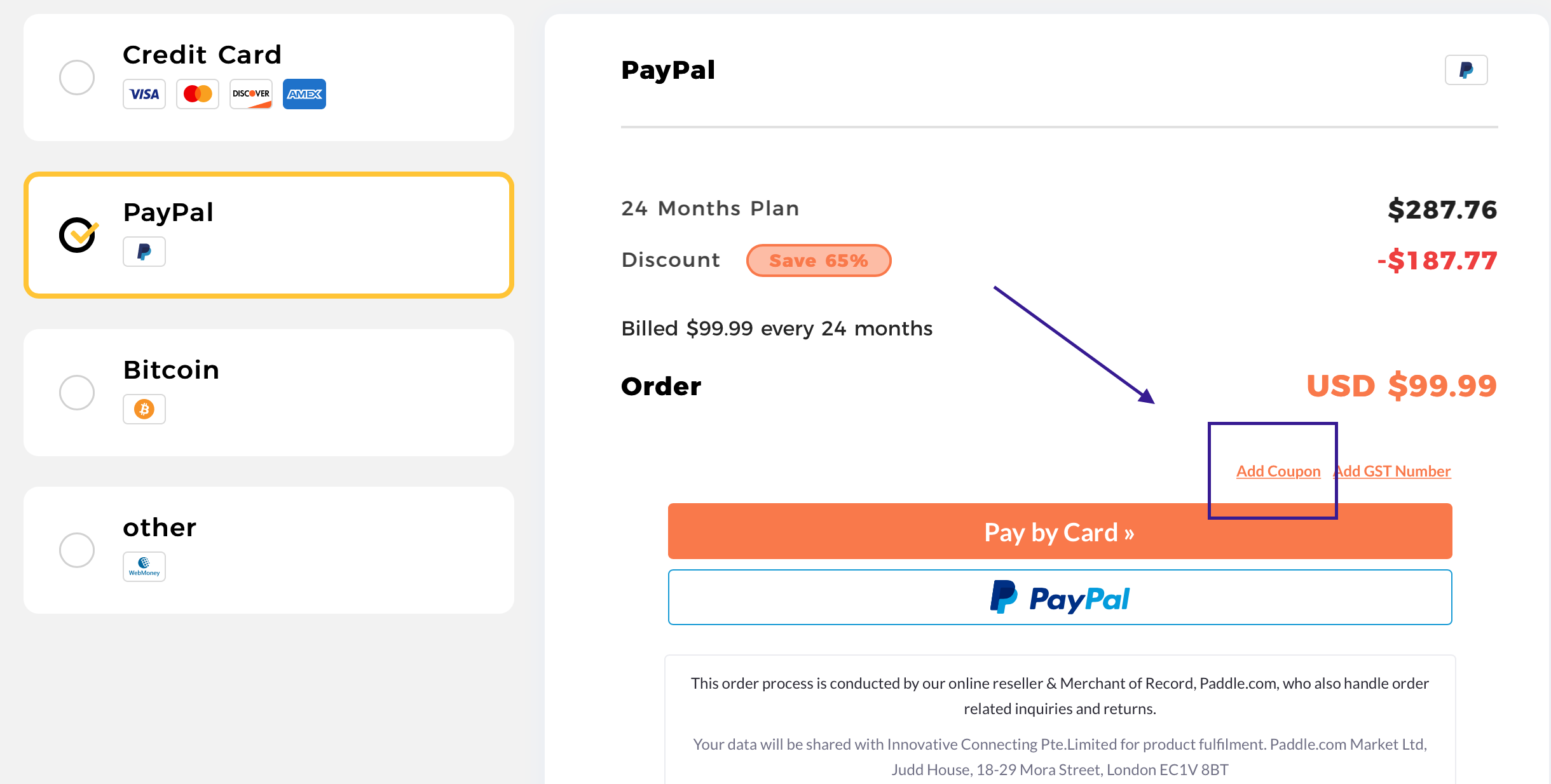
STEP 7 Enter the Coupon Code and click “Add Coupon”
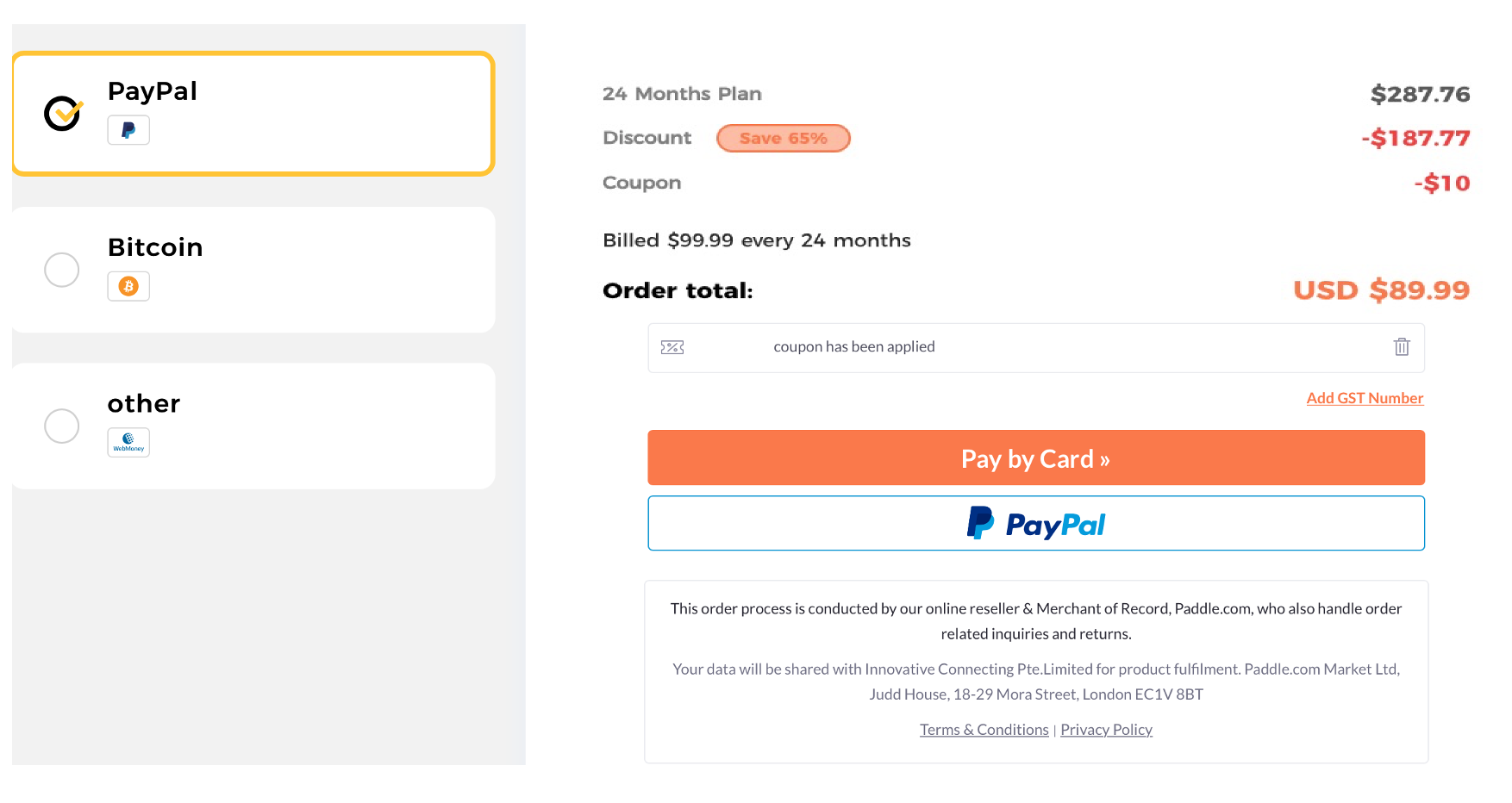
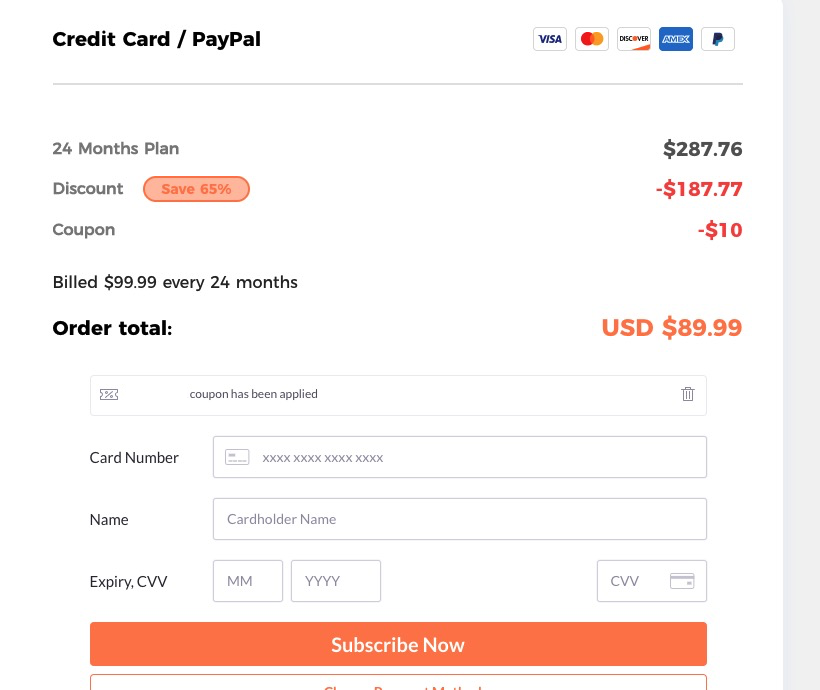
STEP 8 Confirm the coupon has been applied and select your preferred payment method
(*The amount below is just for the illustrated purpose. The actual amount depends on the current promotion)
STEP 9 Fill up the details and click “Subscribe Now” to complete the purchase
Thank you!